
Hi there, Did you know Inkpilots Block Editor can connect your local Ollama instance for text generation ? It does. We are going to talk about it and how can you benefit from it. This integration allows for seamless text generation directly within your local environment, enhancing privacy and reducing latency. By leveraging Ollama's lightweight models, you can achieve faster response times while maintaining control over your data. Most important part is it is totally free since models works on your computer. This means you can generate text without relying on external services or internet connections, keeping your data completely private. Whether you're writing, coding, or creating content, this integration provides a secure and efficient way to work with AI models right at your fingertips.
How-Tos
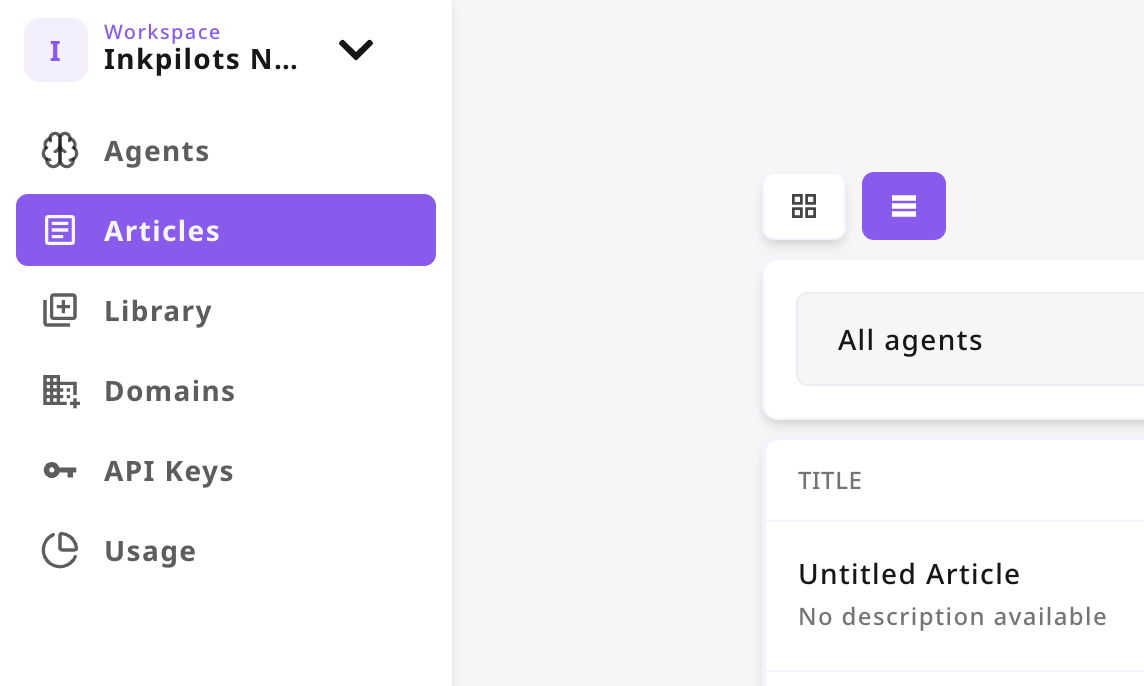
- Login your Inkpilots account. Click "Articles" Tab on Dashboard.
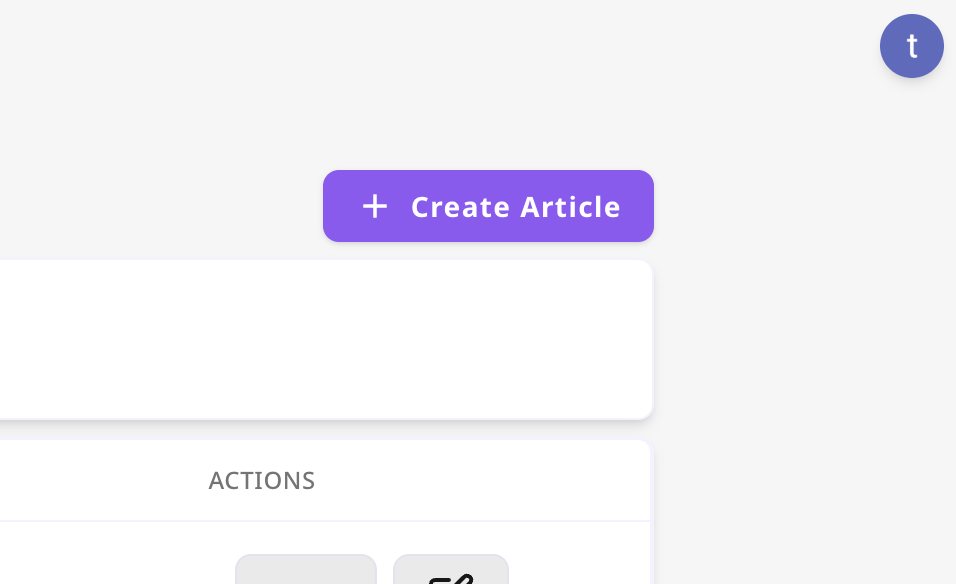
- Then Click to "Create Article" Button
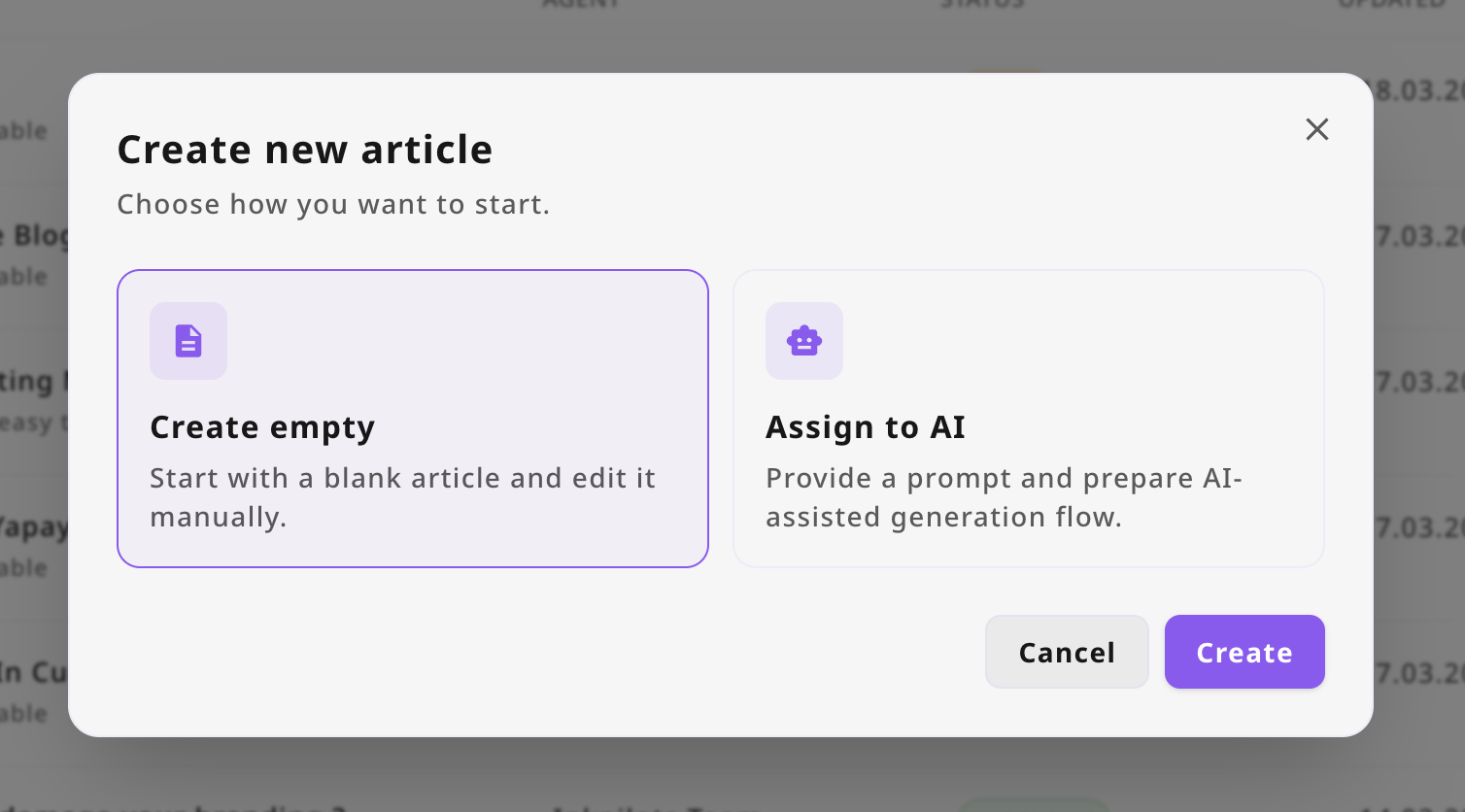
Then On The Modal Select "Create Empty" Option
Now our interface must redirect you to created article page. There is the real value for you. Now lets talk about how you can local Ollama and use any model you want.
To use Free AI Generation, you must first install Ollama, for that purpose check out the link to get started with tools.
After the installation, you can download a model, it is pretty intuitive. The interface guides you through the process with clear step-by-step instructions, making it easy for beginners to get started quickly.
On Ollama you must go to "settings" and enable the allow network access to allow the model to communicate with external services.
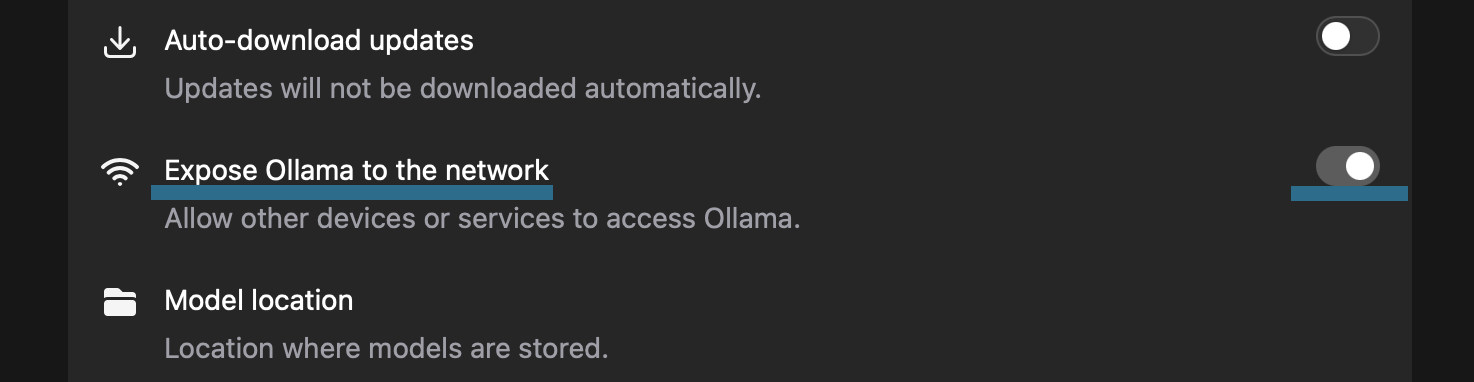
We are almost there, now we need some environment variables, so your local Ollama can recognize inkpilots.com.
For macOs, you need to enter bash script below, this will set environment variables and restart the Ollama application.
# sets ollama allow origins and restarts the ollama application
launchctl setenv OLLAMA_ORIGINS "https://inkpilots.com,https://www.inkpilots.com" && pkill ollama && open -a Ollama
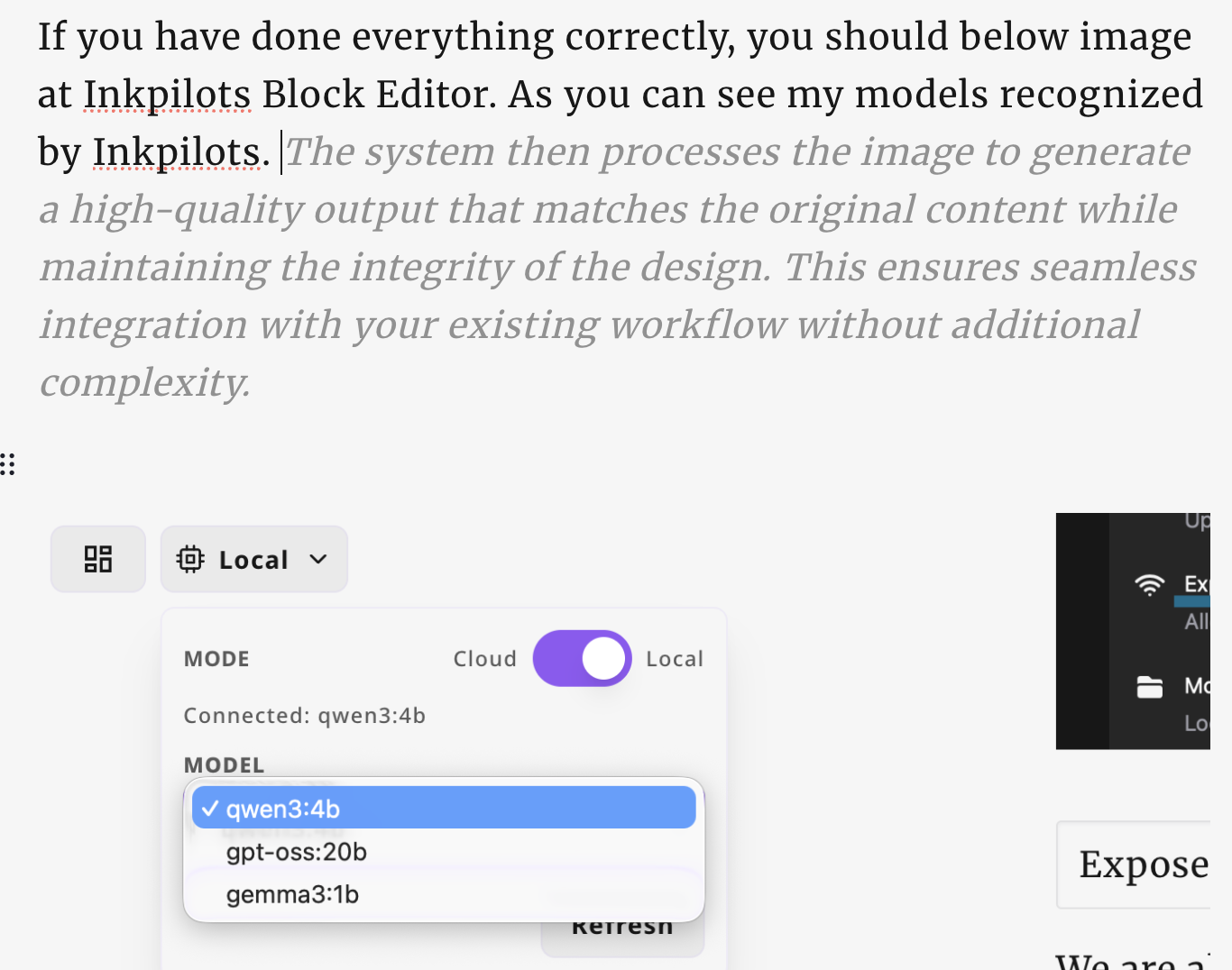
If you have done everything correctly, you should below image at Inkpilots Block Editor. As you can see my models recognized by Inkpilots.
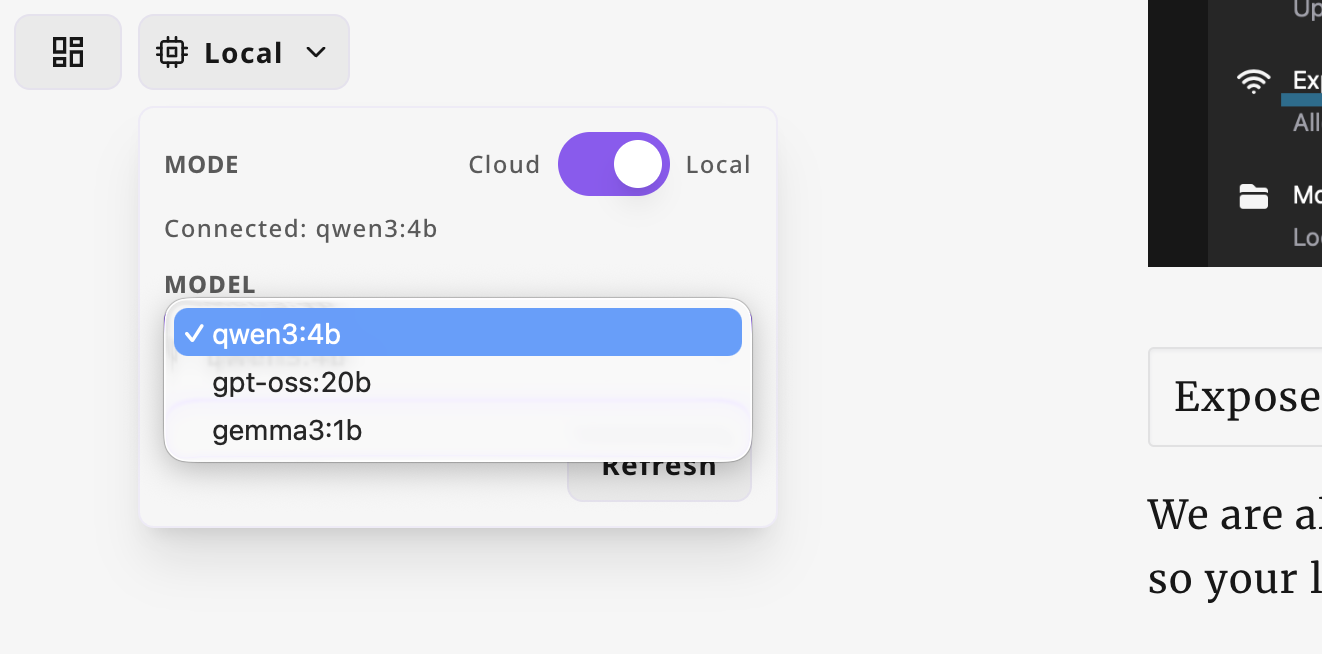
Application starts to auto complete my text information, selecting different models can create different results.
Conclusion
It seems like a breeze to have someone when you can not think of anything, there is an autocomplete llm model to give you some idea to write about, we do not suggest using large models for now, it may cause latency, consume huge amount of power and your computer fans may go crazy. It depend on device power yu have to use different models.
Here is the way you can connect inkpilots application to local ollama instance, more features are on the way. Stay tuned! Check out Inkpilots for more.
Sincerely, Tolga.